
From a browser sound to your DAW: finishing and using what you made
The path from a generated sound to a sound in your track: master it in the browser, pull it up in the VST3 / AU plugin or download the WAV, and know what the plans allow commercially.
There is a particular graveyard every producer knows: sounds that were great in some tool and never made it into a track. Browser instruments are especially prone to it - the sound lives over there, the project lives over here, and the export round-trip is just annoying enough to skip.
AI Synthesizer was built so that graveyard stays empty. Here is the full path from “this sound is right” to “this sound is in my track”, and where each option makes sense.
Finish the sound before you leave the browser
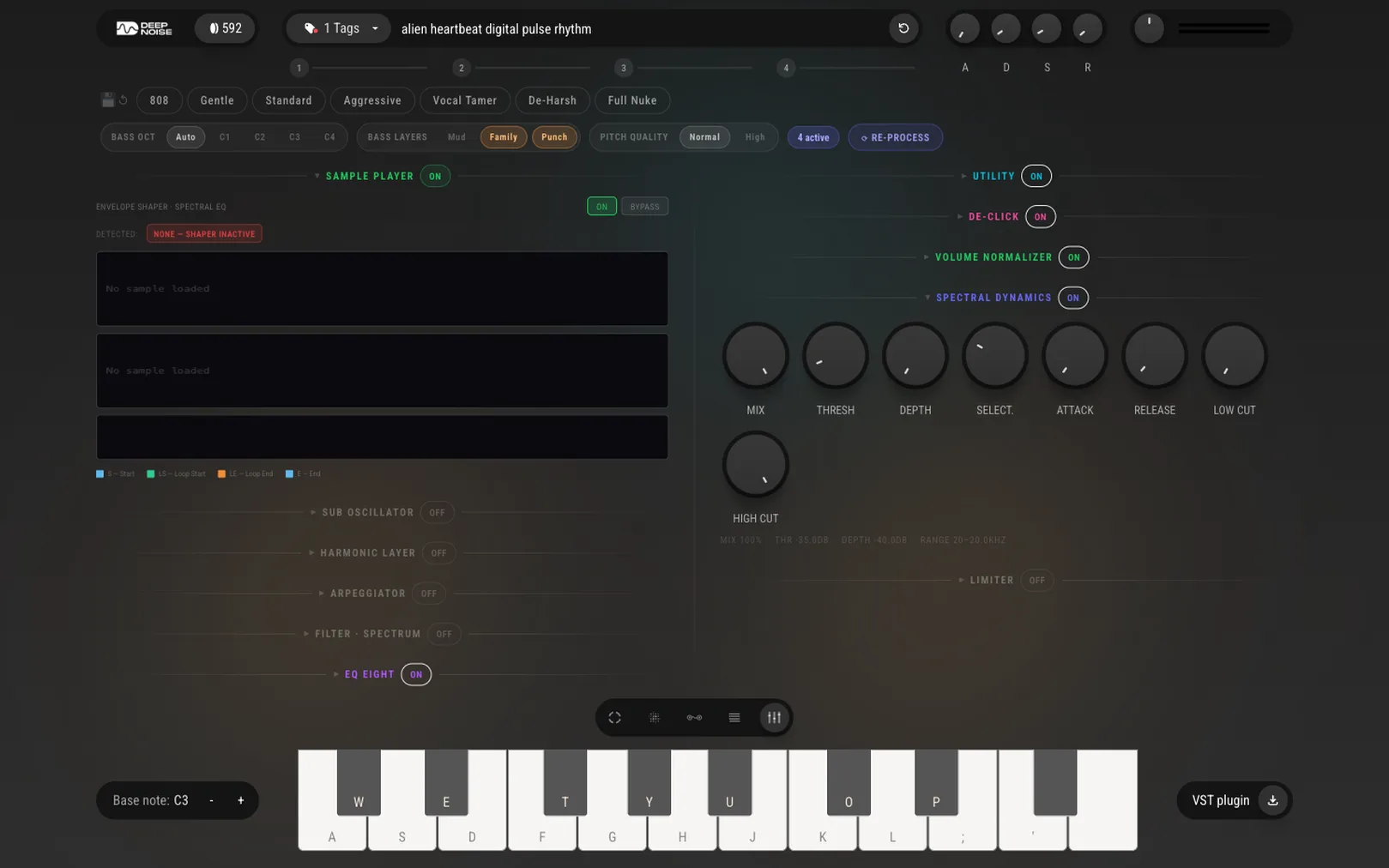
Do not export a half-finished sound and plan to fix it in the mix - that is how the graveyard fills. The browser has a full mastering chain built in: presets to start from, spectral dynamics, EQ, and limiting. Thirty seconds here means the sound arrives in your project sitting at a sensible level with the harshness already handled, instead of being the track’s problem child.
The same goes for character work: the effects chain (filter, dynamics, modulation, reverb, delay, lo-fi) is part of the sound, not a post-production step. A sound is done when it would survive being dropped raw into someone else’s session.
The plugin path: your library inside the DAW
If you produce in a DAW, the plugin is the everyday path. It ships as VST3 and AU, works in Ableton Live, FL Studio, Logic Pro, Pro Tools, Cubase, Reaper, Studio One, Bitwig and others, on Windows and macOS - and it carries your library with it. A sound you saved in the browser at lunch is in the plugin’s library in your evening session, no exporting, no file management.
Generating from inside the DAW works too, which changes how you use it: instead of a sound-design session followed by a production session, you reach for a new sound the moment the track asks for one.
The WAV path: yours to keep, anywhere
Every sound can leave as a WAV download. That matters for three situations: a collaborator who does not use the plugin, a hardware sampler or non-DAW workflow, and the simple principle that nothing you make should be locked inside an app. Download it and it is an audio file like any other, forever.
Know what the plan allows
One honest paragraph on rights, because it decides what you can ship: the free Starter plan (40 one-off credits) is for personal use - sketches, learning, experiments. Commercial use comes with the paid plans: Creator at 600 credits per month, Pro at 1500. If a sound is going on a release, a client project, or monetized content, be on a paid plan when you make it. The pricing page has the details; the short version is that the line is personal versus commercial, not browser versus DAW.
One workflow, no round-trips
The pattern that works: generate and choose takes wherever you are, finish the sound with the effects and mastering chain while it is still in front of you, save it, and let the library carry it to wherever the track lives. The WAV download stays as the escape hatch that keeps everything portable.
Main claim: A generated sound only counts when it lands in a track. Finish it in the browser, let the plugin’s shared library carry it into your DAW, keep the WAV as the portable copy - and put commercial work on a plan that includes commercial rights.
Try AI Synthesizer
Describe a sound and play it seconds later - free in your browser.
Try AI SynthesizerFrequently asked questions
Which DAWs does the plugin support?
The plugin ships as VST3 and AU and works in major DAWs including Ableton Live, FL Studio, Logic Pro, Pro Tools, Cubase, Reaper, Studio One, and Bitwig, on Windows and macOS.
Do I have to use the plugin to get sounds into a project?
No. Any sound can be downloaded as a WAV and dropped into any project like any other audio file. The plugin is the convenient path - your library inside the DAW - not the only one.
Can I use the sounds commercially?
On the paid plans, yes - Creator and Pro include commercial-use rights. The free Starter plan is for personal use. Details are on the pricing page.